Recruitment AI
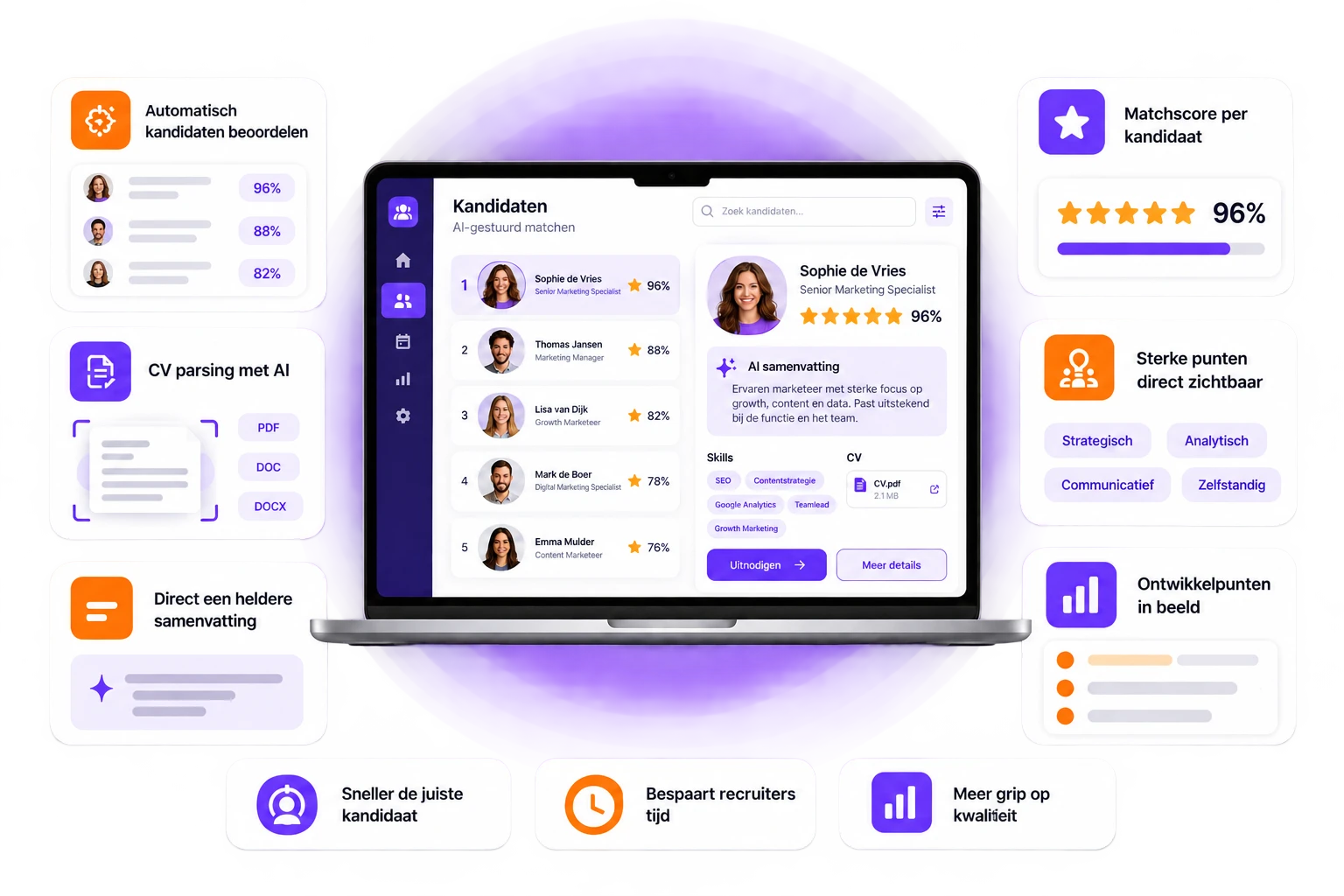
Booston AI does more than the groundwork. It first analyses who your vacancy attracts, tailors your job description and ad accordingly, and ranks incoming applications for you.
Plug. Live in 10 minutes. Play. You're in control. Go! It keeps getting smarter.
AI that improves your recruitment quality.
Booston automates the entire process. From ATS integration and recruitment website to Google for Jobs, job boards and social media.
01
ATS
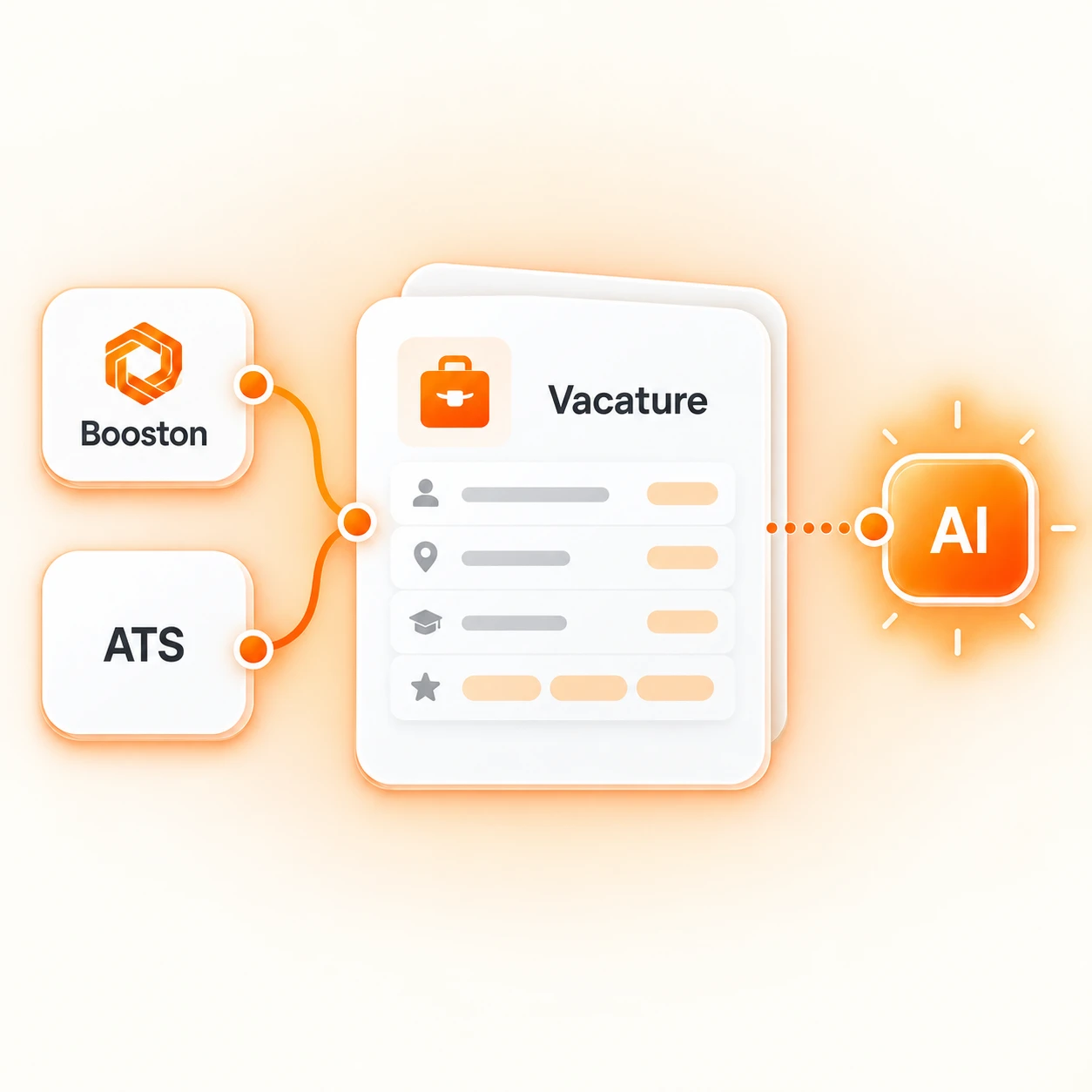
Vacancies are automatically imported from your ATS.

02
Website
Vacancies appear instantly on your recruitment website.
03
SEO and GEO
Every vacancy is optimised for maximum visibility.

04
Google for Jobs
Vacancies are automatically optimised for Google for Jobs.
05
Publishing
Publish to job boards and social media with a single click.
06
Apply
Candidates apply through a conversion-focused application flow.

07
Back to your ATS
Every application is automatically linked to the correct vacancy and recruiter.
Jobs
Quality starts with the job posting itself
No amount of media budget can make up for a job posting that fails to meet your target audience’s expectations.
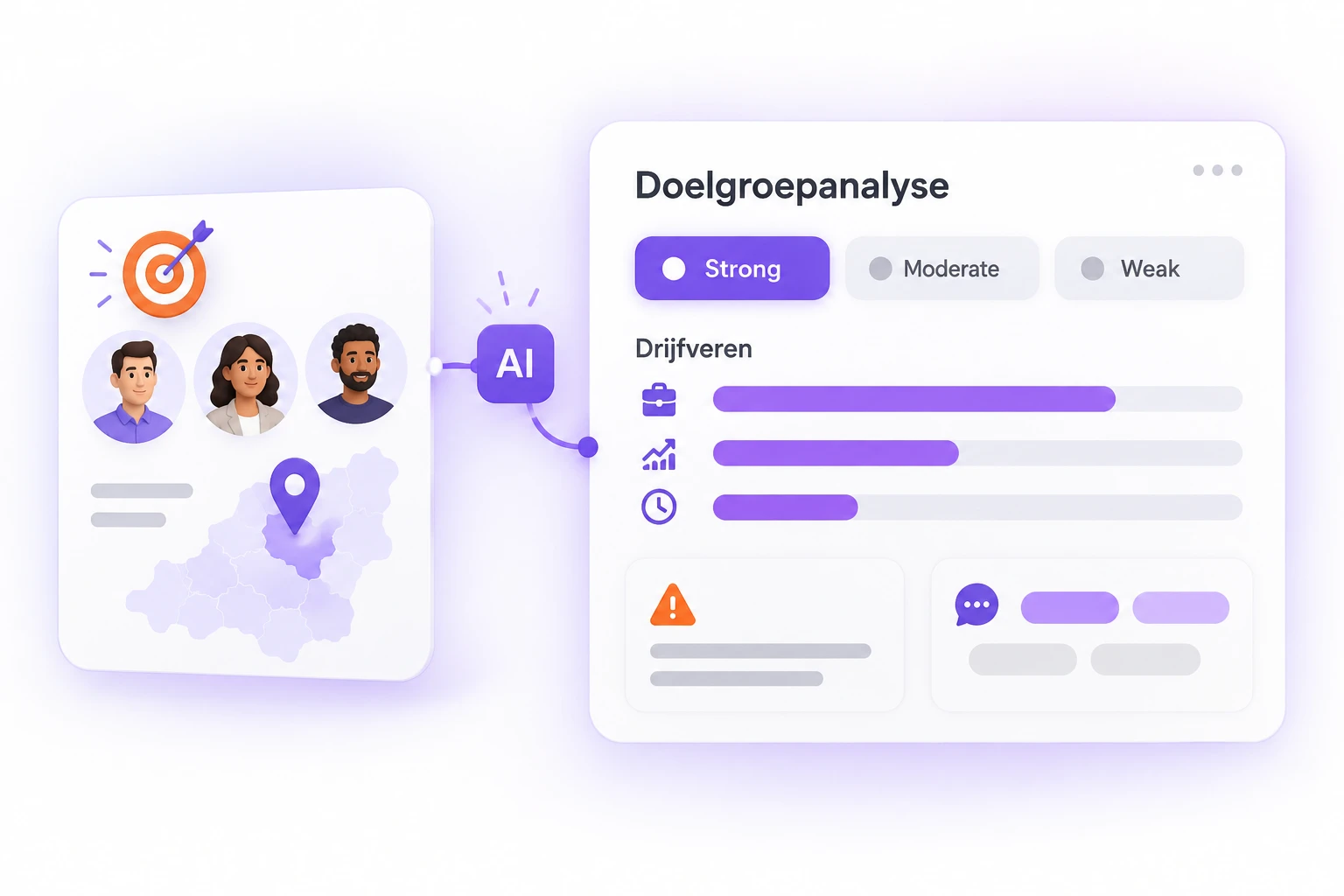
Know whether your job posting resonates before you publish
AI profiles the type of candidate this role attracts in this region. Based on what is typical in that market, rather than on your text.
It then compares your job posting against that profile: strong, moderate or weak. With weighted motivations, potential deal-breakers and words to use or avoid. More about the analysis.
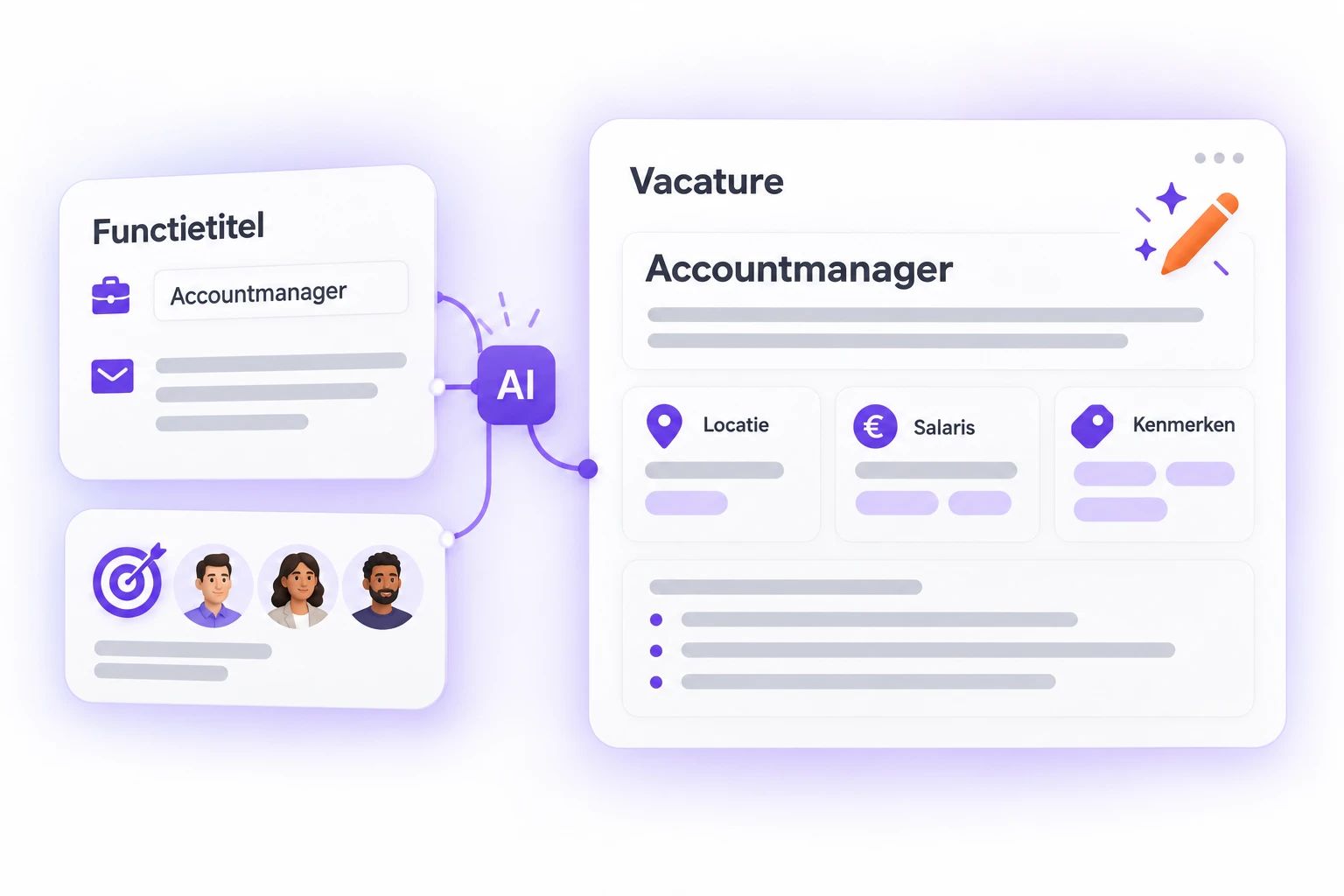
From a job title to a complete job posting, job done
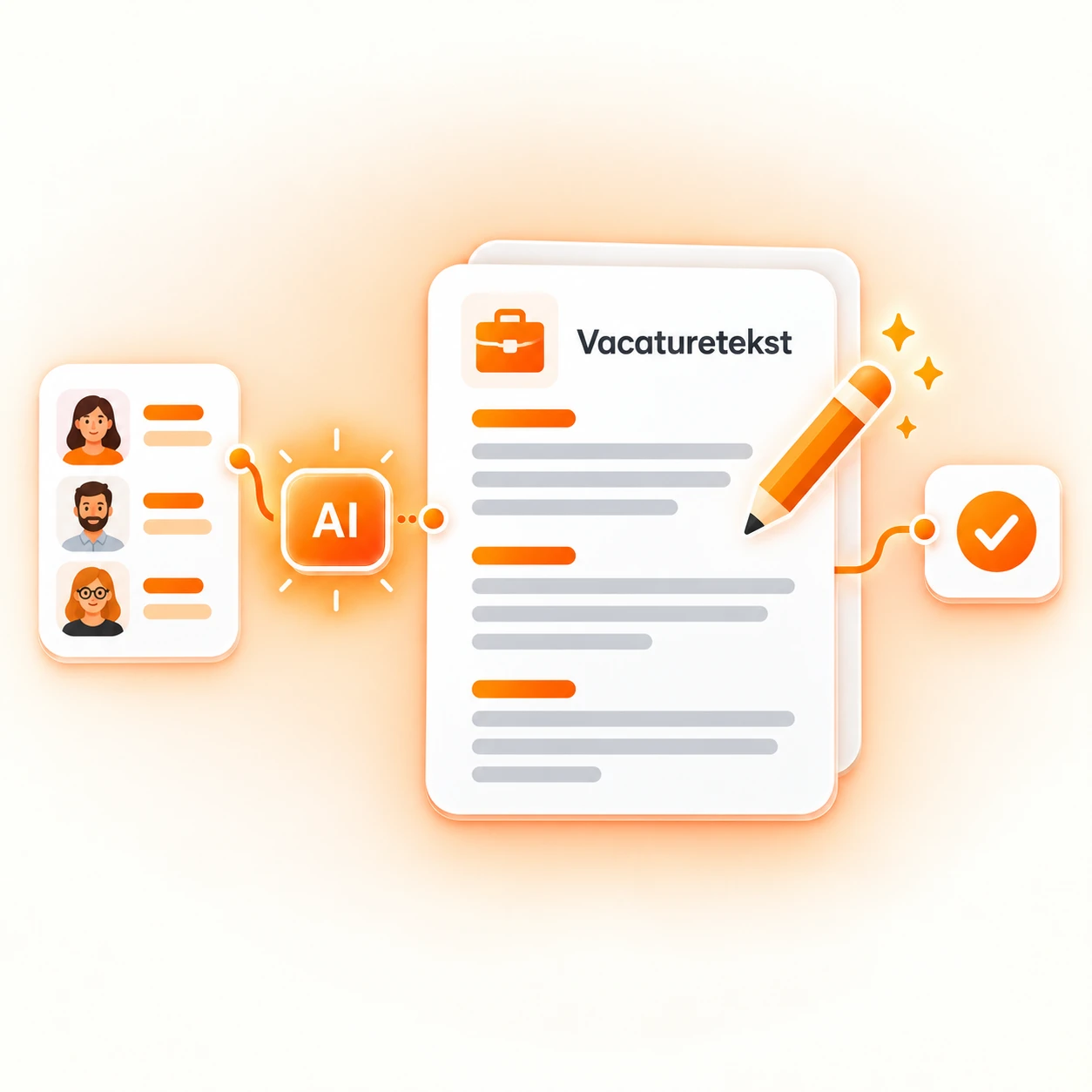
A job title or a rough draft from an email is enough. AI builds the job posting: title, text sections, attributes, location and salary.
The audience analysis runs first, so the posting speaks to the right candidates from the very first sentence. If the job posting already exists, optimisation works the same way.
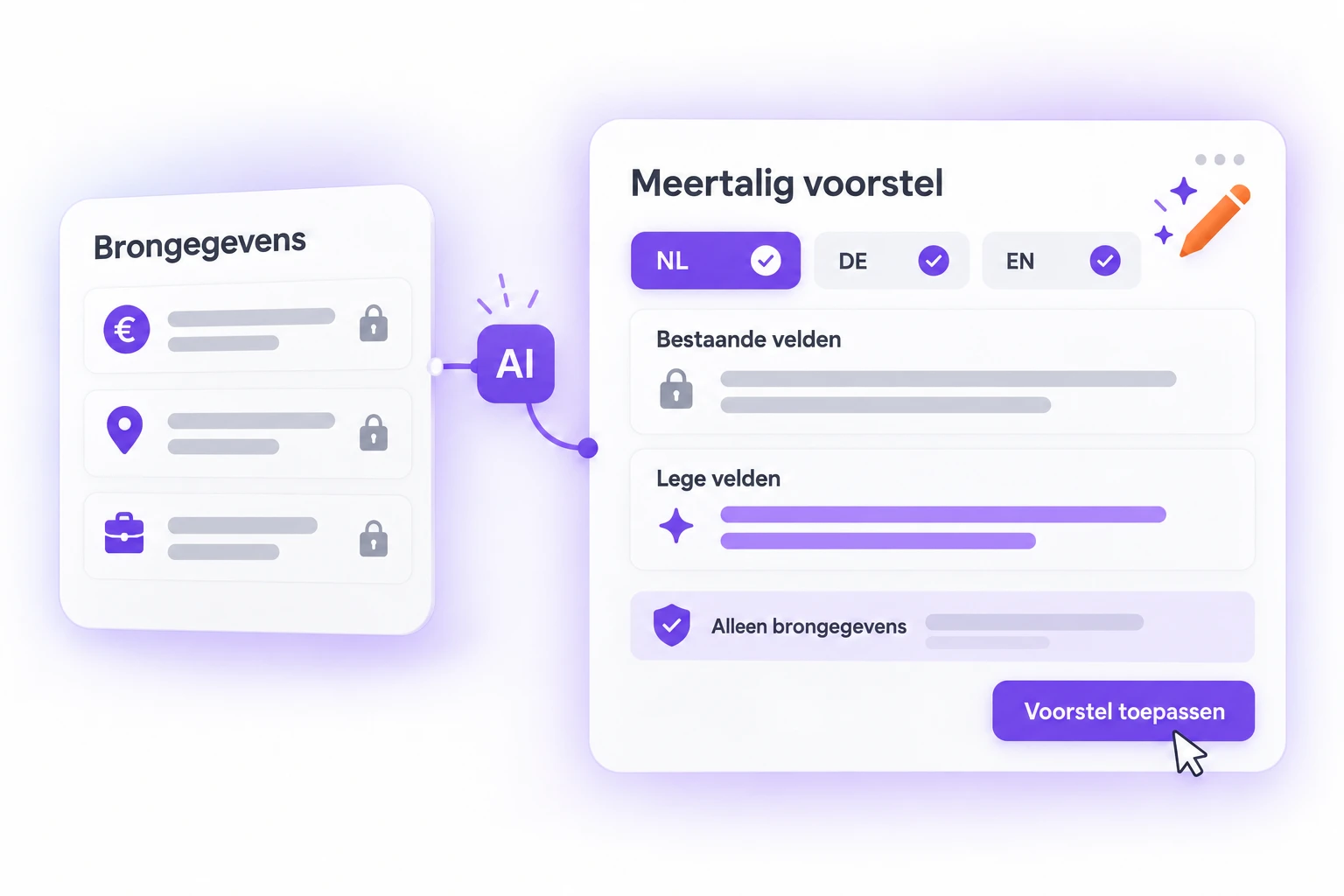
All your languages in one run, with no invented facts
Multilingual? AI creates content for every active language in the same run. Empty fields are filled, while existing content remains unchanged. Salaries, locations and requirements that are not included in your source are not added. Nothing changes until you apply the suggestion.
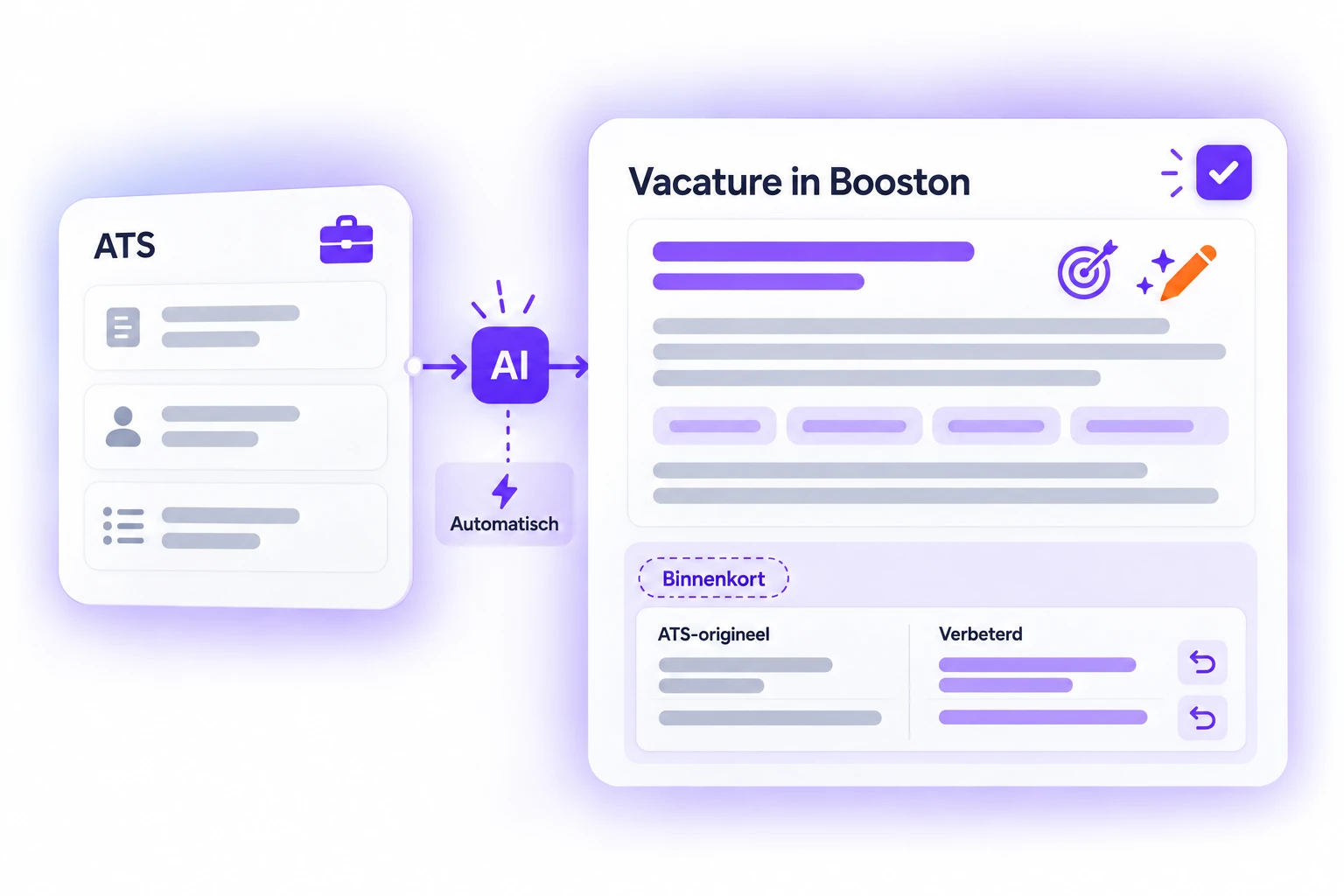
For vacancies from your ATS too, fully integrated
An ATS often provides only basic data.
That is where the greatest opportunity lies.
The same analysis and rewriting are applied to imported vacancies, automatically as soon as they arrive if preferred.
Meta Job Ads
Conversion: the same analysis, now as an ad
An ad is not a job description. It is shorter, more direct and written for someone scrolling through their feed.
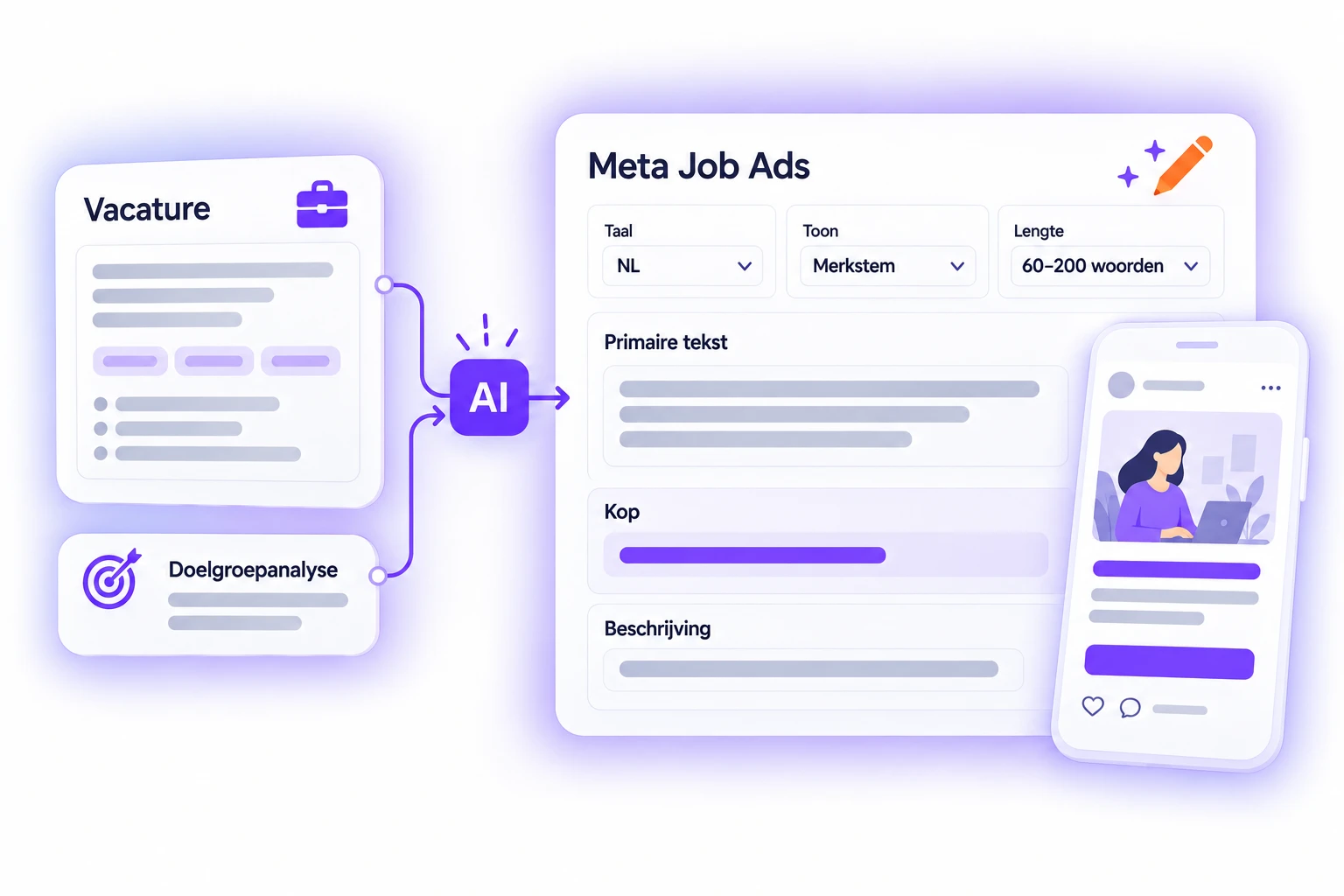
Your ad is created directly from your vacancy
One complete ad with primary text, headline and description. It is written directly in the language of the ad, so no translation round is needed afterwards. Choose a tone ranging from professional to urgent, or use your own brand voice from your company profile. The length ranges from sixty to two hundred words. Is an audience analysis available? Then it is automatically incorporated. Meta Job Ads.
BETA: Video content without video production
Carousels in which AI fills every card. A/B testing for your ads. Visuals created for each vacancy based on your brand identity and the content of that specific role, followed by short videos created from those visuals.
What is coming next
Carousels in which AI fills every card. A/B testing for your ads. Visuals created for each vacancy based on your brand identity and the content of that specific role, followed by short videos created from those visuals.
Candidates
Save time: your candidate list is already prioritised
Better job postings generate more applications. That only adds value if you can manage them efficiently.
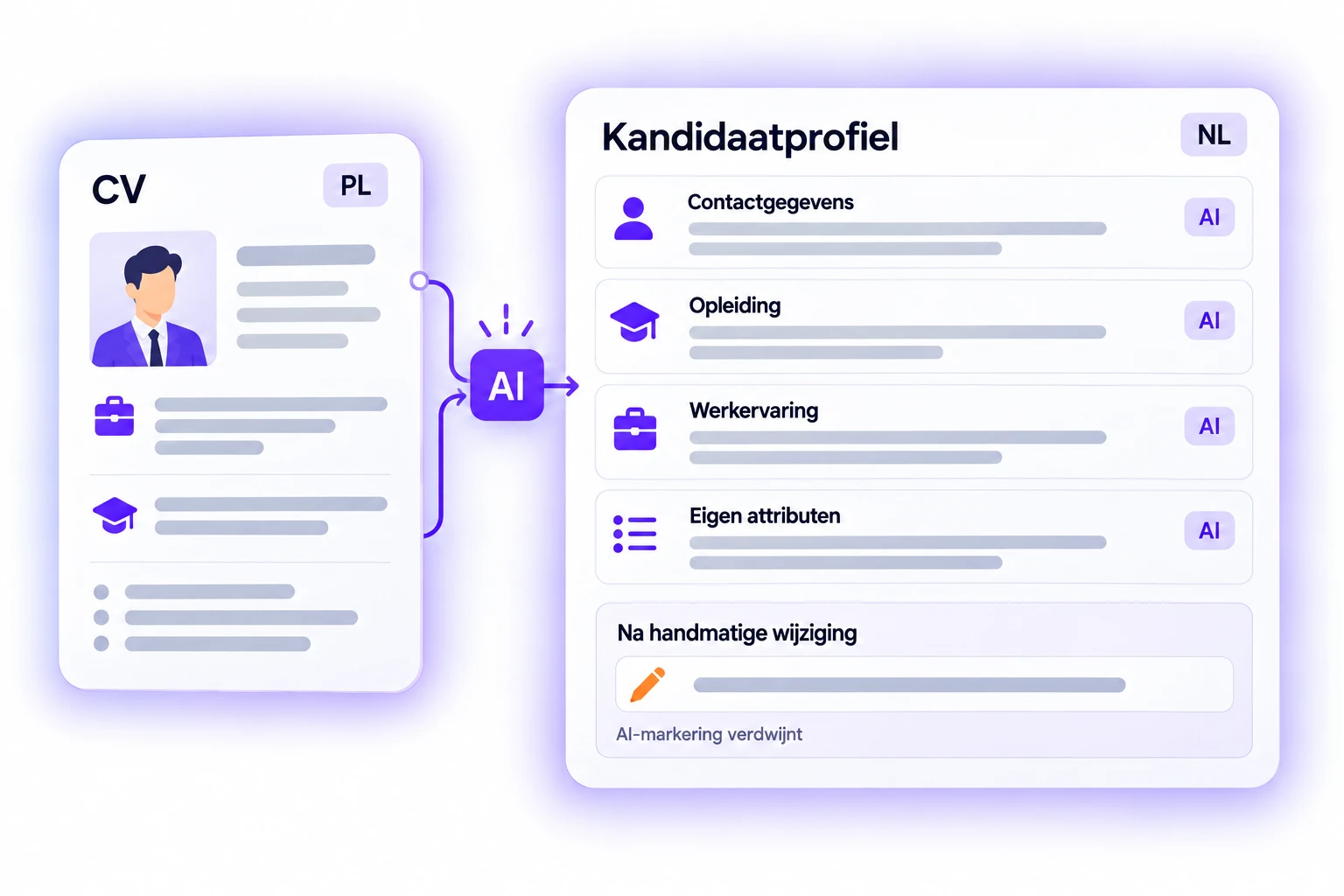
No one needs to retype a CV
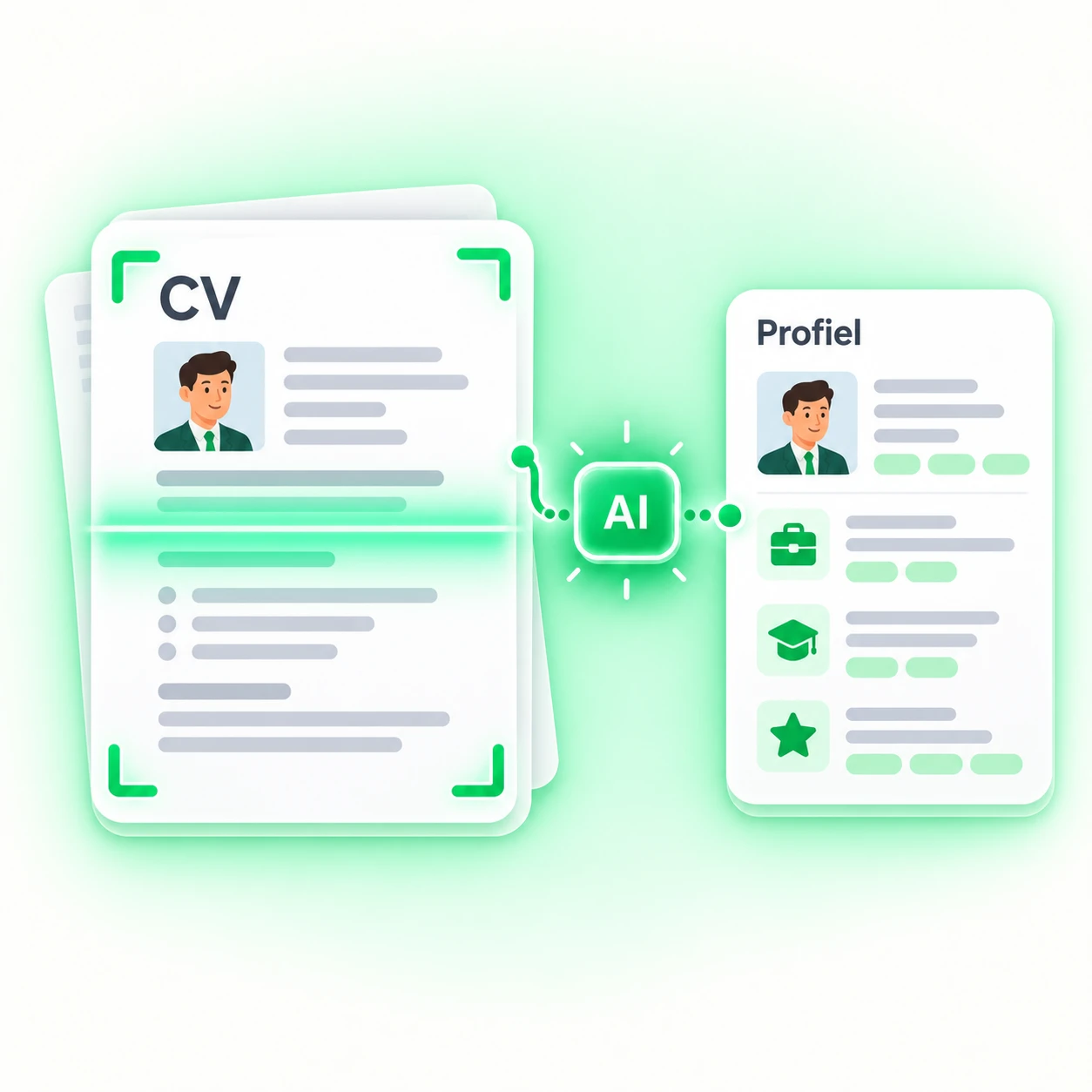
Upload a CV and the candidate attributes are filled automatically: contact details, education, work experience and every field you have configured. It also works across languages, so a Polish CV is mapped to your Dutch attribute values.
Every field completed by AI receives a marker. It disappears as soon as a person edits the field. Candidates in the helpdesk.
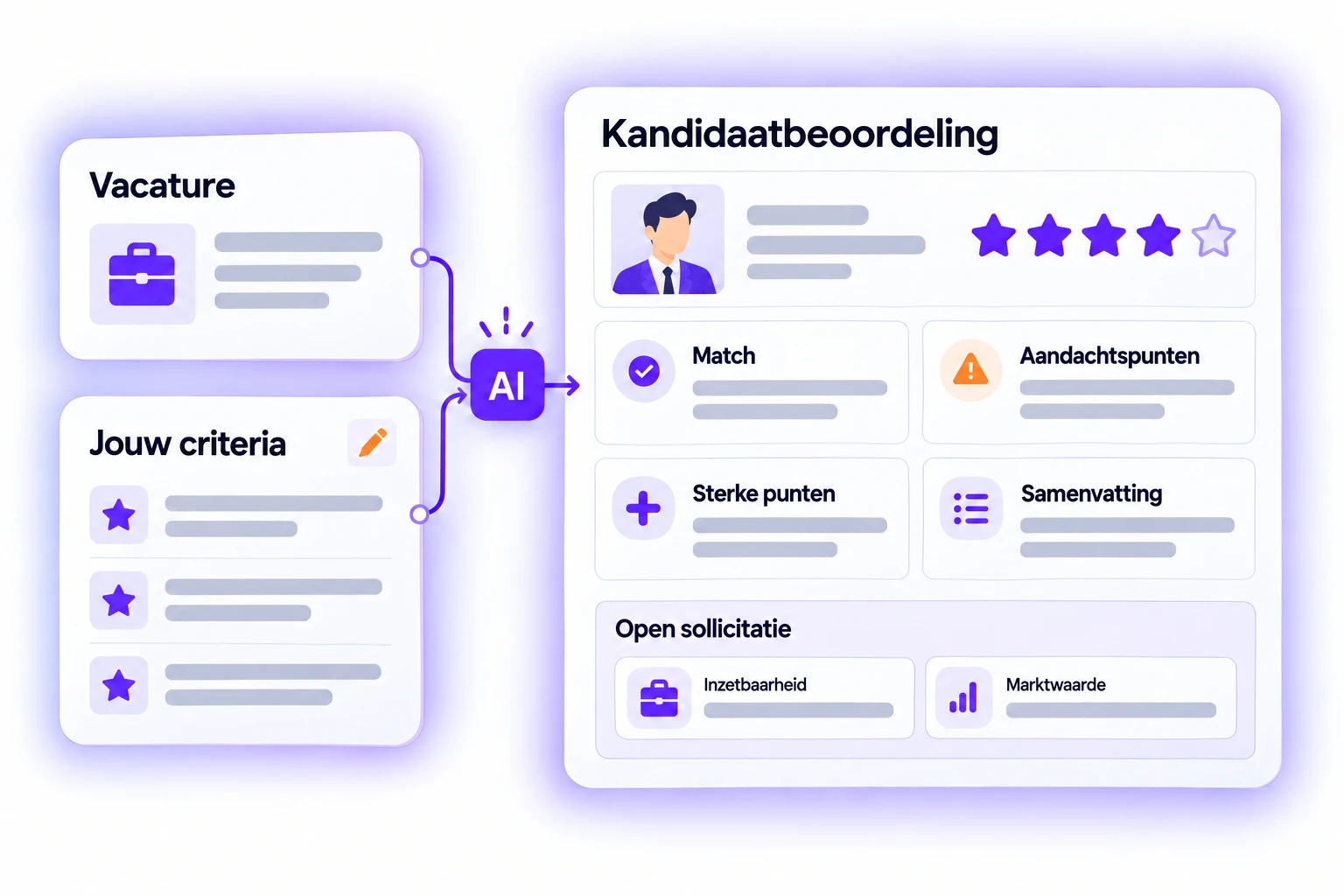
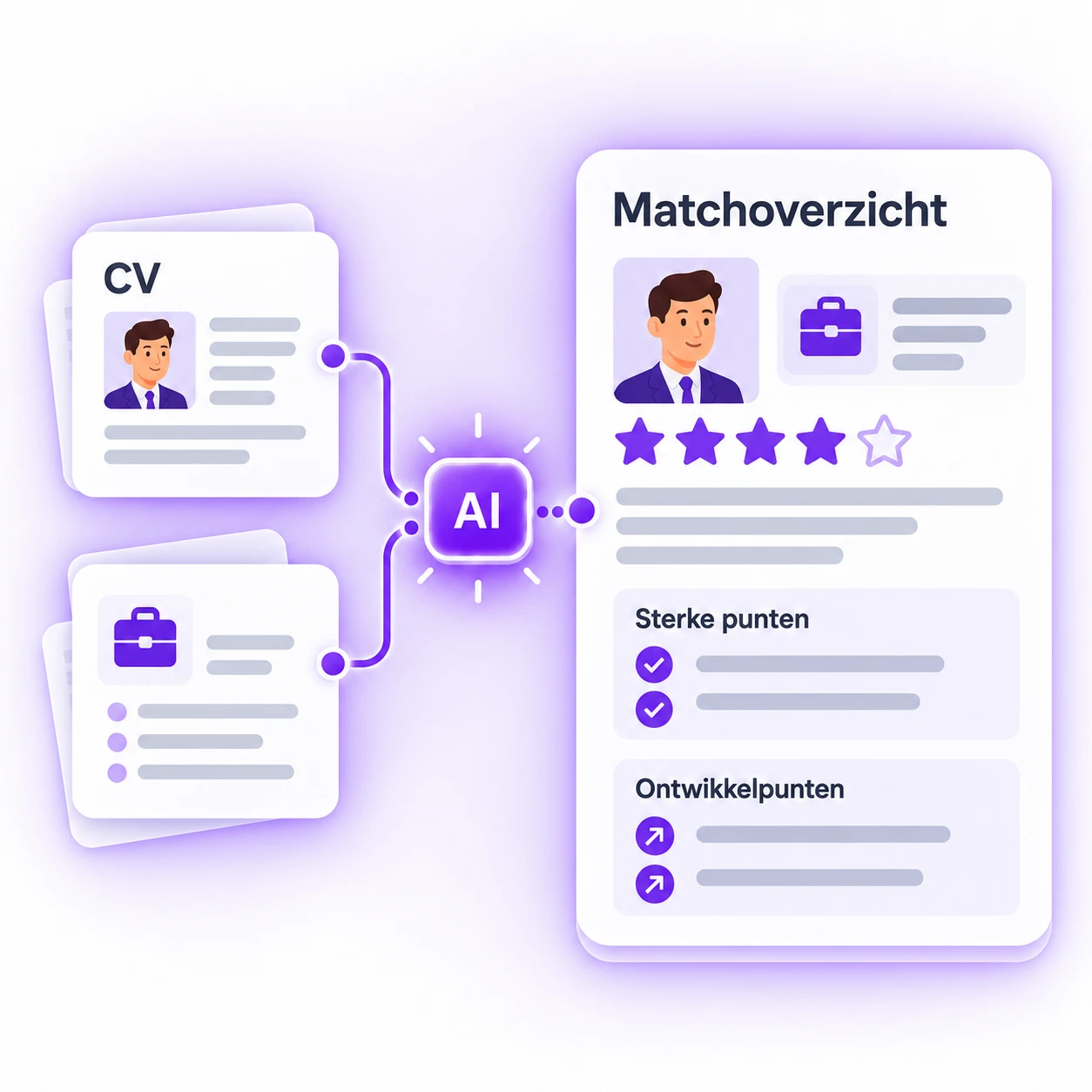
A score supported by a complete assessment
One to five stars compared with the vacancy. The reasoning appears underneath: where the candidate matches, where they fall short, their strengths, points requiring attention and a brief summary.
You define what each star rating means using specific requirements. An open application without a vacancy? AI then assesses the candidate’s employability and market value.
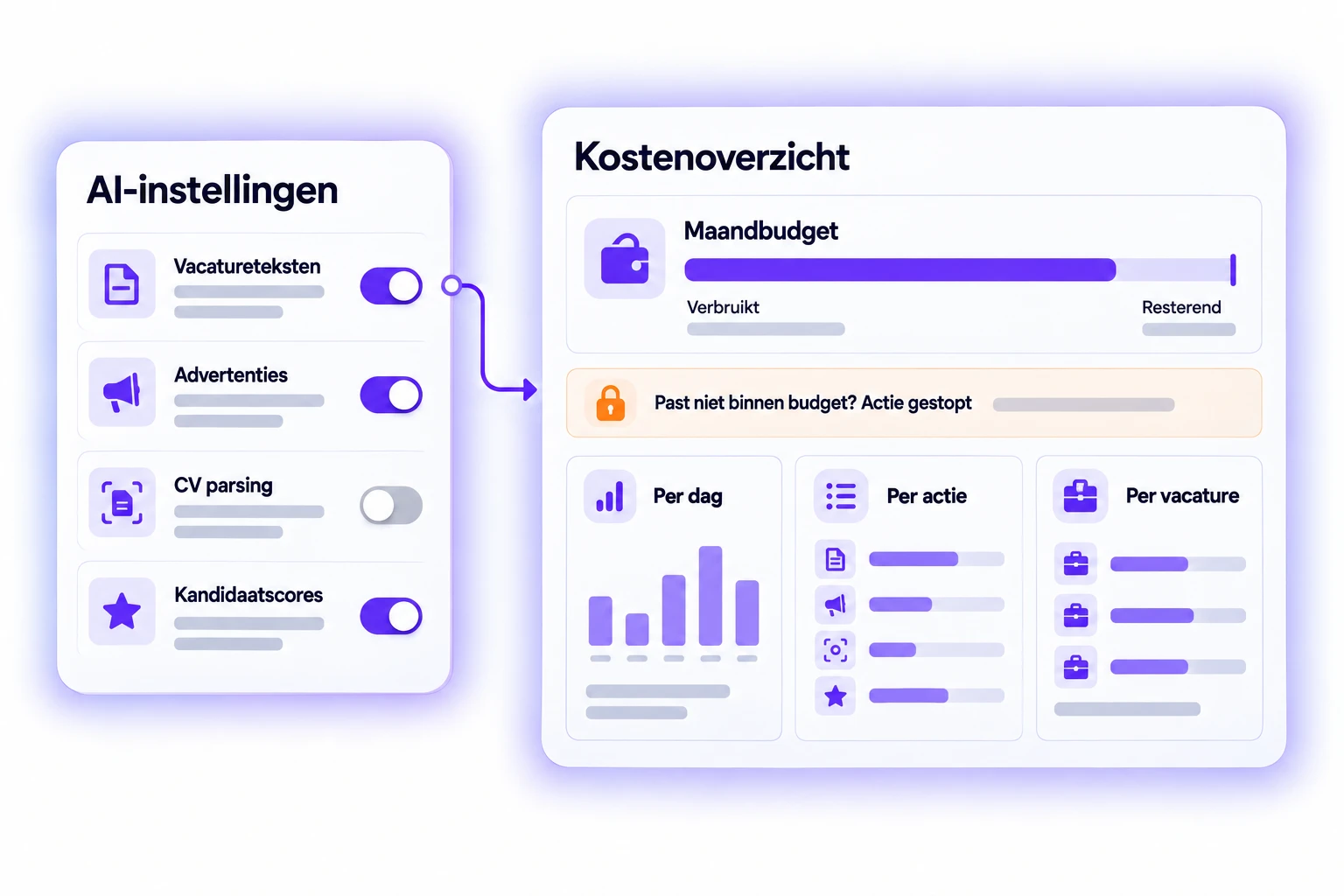
You choose what to activate and see what it costs
Each feature has its own switch, allowing you to start small. You set a monthly budget. If there is insufficient budget remaining for an action, it will not be performed.
The cost overview shows usage per day, per action type and per vacancy. Activate and monitor.
Everything about the AI module in the helpdesk
Each feature is explained separately, including the relevant screens.
- AI module: an overview of everything AI does within Booston.
- Activate AI and monitor your costs: the switches, your prompts and your budget.
- Candidate audience analysis: the five components and how to use them.
- Job postings with AI: create, rewrite and assess job postings.
- Create and edit candidates: extract CV data and use the review score.
- Meta Job Ads: where the generated advertisement appears.